Every photo tool you need, in one free editor
Background remover, filters, retouching, profile pictures and 17 size presets. All in your browser, and your photos never leave your device.
- Free
- No signup
- No upload
- No watermark
The toolkit
Every tool, one editor
Fourteen tools in three groups. Each opens a step-by-step page, then the editor on the right panel.
AI and backgrounds
On-device AI that never sends your photo anywhere.
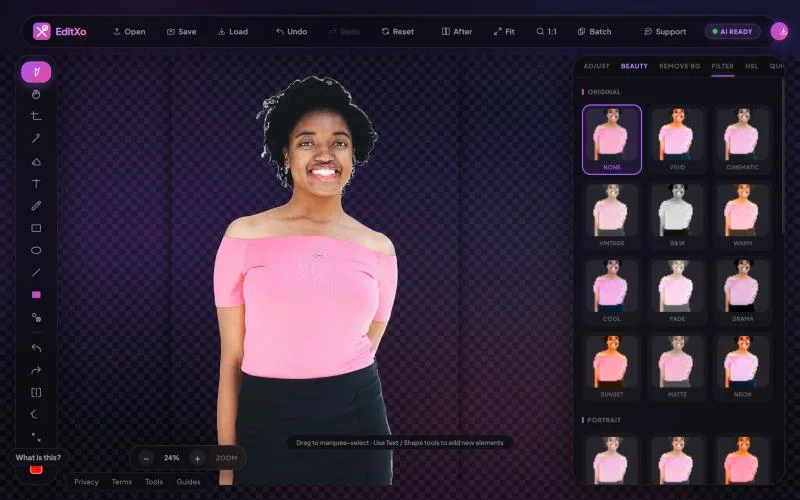
- Remove backgroundOne-click AI cutout with edge refinement. Transparent PNG.
- Change backgroundWhite, colour, gradient or your own image behind the subject.
- Profile picture makerCircle framing, coloured rings, text frames and badges.
- Circle cropRound PNG with transparent corners for sites and signatures.
Edit and enhance
Colour and tone tools with a live preview.
- Adjust19 sliders: light, colour, detail, dehaze, noise reduction, effects.
- Quick FixAuto Enhance, Portrait Enhance, Smart Sharpen, Night Denoise.
- Beauty retouch8 portrait presets plus skin, tone, eye and blush controls.
- Filters30 editable looks, from Cinematic to Kodak and Ilford.
- Colour gradingThree-way grade, RGB curves, 8-range HSL and levels.
Size and format
The exact file each platform asks for.
- Crop and rotateRatio locks, rotate, flip and straighten.
- Resize and presets17 one-click sizes for Instagram, LinkedIn, Amazon, Etsy and more.
- Convert formatsPNG, JPG, WebP and AVIF with a quality slider.
- HEIC to JPGiPhone photos converted on your device, in any browser.
- Batch editSame adjustments and filter on many photos at once.
Also in the editor
- Layers and blend modes
- Text
- Brush and eraser
- Shapes and gradients
- Clone stamp
- Eyedropper
- Stickers
- Unlimited undo and history
- Before/After toggle
- Save and load projects
See it work
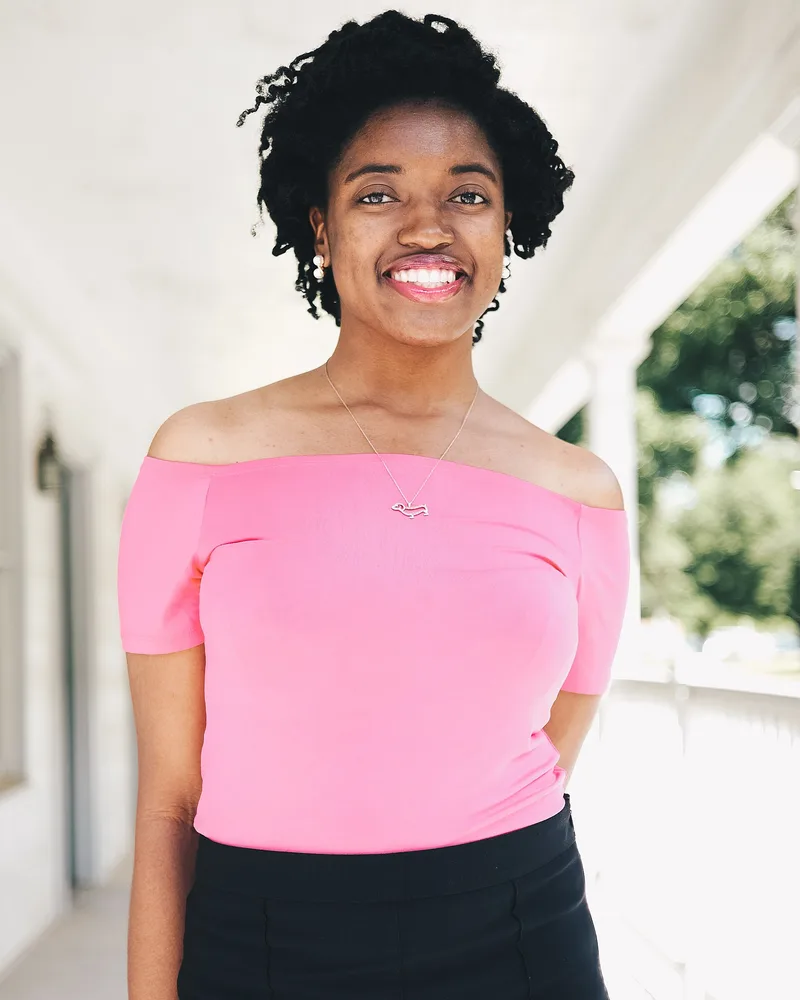
Drag to see the background disappear
A real result from EditXo’s background remover, run in the browser on a public-domain photo. Hair, earrings and shoulders, cut out cleanly onto a transparent background in a few seconds, with nothing uploaded.
How background removal works →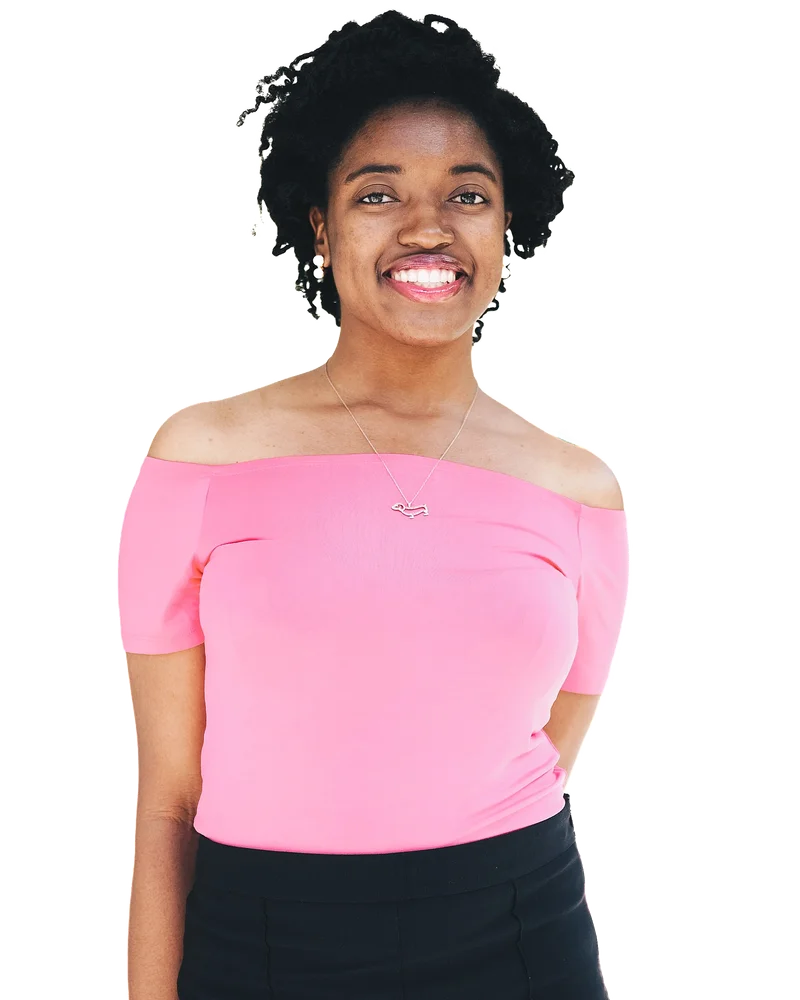
Background remover
Remove backgrounds on your device
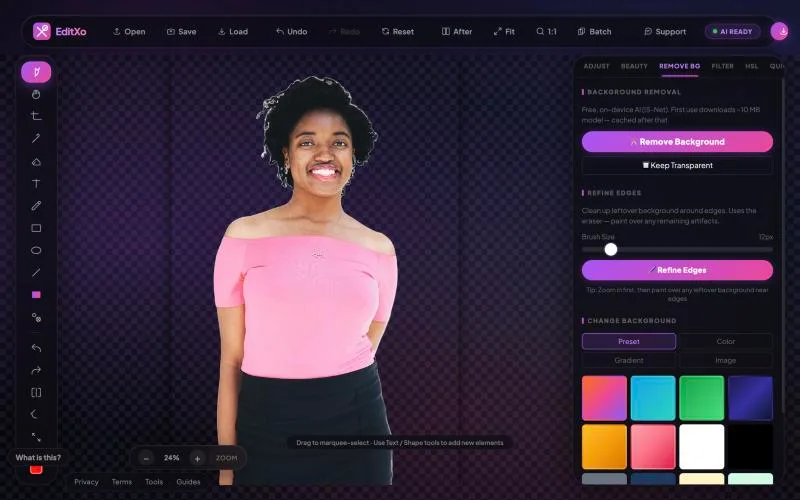
The AI model downloads to your browser once (about 10 MB), then cuts out people, products, pets and logos in seconds. Refine the edges, keep it transparent, or drop in a new background. Your photo never leaves your computer or phone.
Background remover →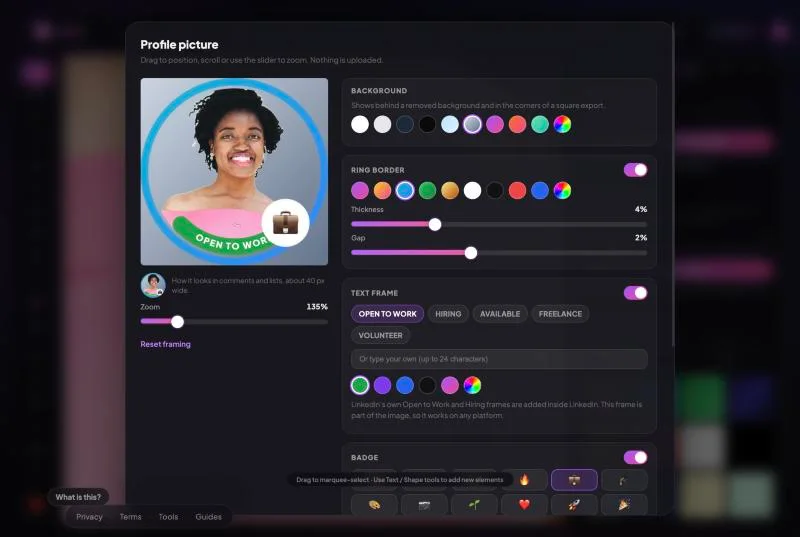
Profile picture maker
Profile pictures that stand out at 40 pixels
Frame your face in a circle, swap the background for a studio colour, add a gradient ring, a short message like OPEN TO WORK, and an emoji badge. Export a square for any platform or a round PNG for your website.
Profile picture maker →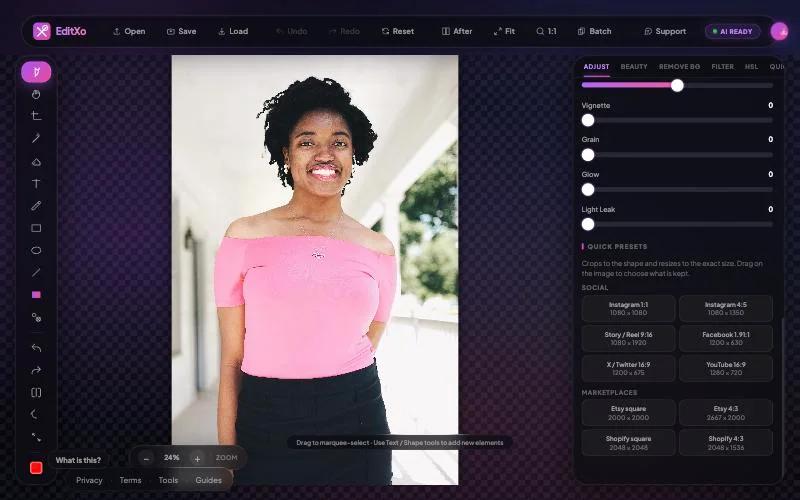
Size presets
The exact size for every platform, in one click
17 presets for 9 platforms: Instagram posts and Reels, LinkedIn and X banners, YouTube thumbnails and channel art, and product photos for Amazon, eBay, Etsy and Shopify. Each crops to the right shape and resizes to the exact pixels, and warns you if a photo is too small.
Size presets →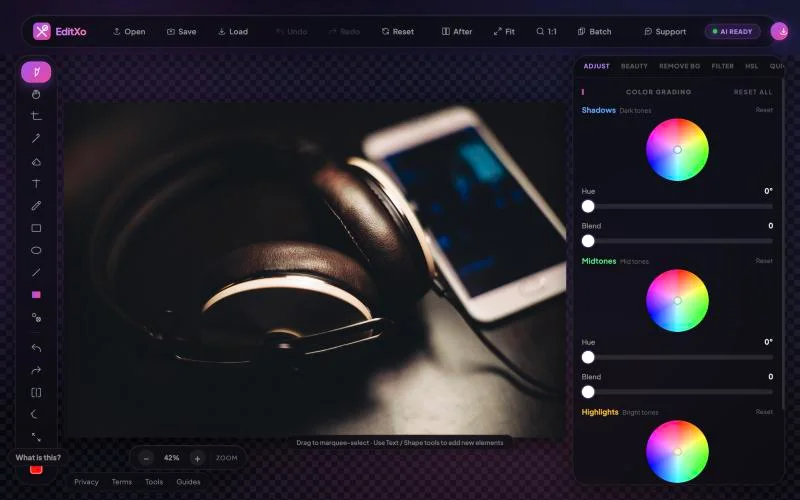
Colour grading
Professional colour, without the learning curve
Grade shadows, midtones and highlights with hue wheels, shape tone with RGB curves, fix one colour with 8-range HSL, and set black and white points with levels. Every change previews live on your graphics card.
Colour grading →How it works
Three steps, zero uploads
- Drop a photoPNG, JPG, WebP or iPhone HEIC. It opens in your browser.
- Edit on your deviceEvery tool runs locally with WebGL and WebAssembly.
- ExportPNG, JPG, WebP or AVIF, at the size and quality you choose.
Built for
Made for the way you work
Online sellers
White-background product shots and the exact sizes Amazon, eBay, Etsy and Shopify ask for.
Job seekers and professionals
A clean headshot with a studio background, a LinkedIn cover, and an Open to Work style frame.
Creators
Instagram posts and Reels, YouTube thumbnails and banners, filters and colour grades that look intentional.
Anyone who cares about privacy
Passport and ID photos, children, medical or legal documents: edit without handing them to a server.
Compare
How EditXo compares
Against typical upload-based online editors. Where they are better, we say so.
| Feature | EditXo | Typical online editor |
|---|---|---|
| Where your photo is processed | On your device | On the company’s servers |
| Account needed | Never | Often, for full features |
| Watermark | None | Common on free tiers |
| Full-resolution download | Free | Often paid or credit-based |
| Works offline after loading | Yes | No |
| AI upscaling, object removal | Not yet | Often available |
| Layers, PSD, print workflows | Basic layers only | Often deeper in desktop-style editors |
Detailed comparisons: vs online background removers · vs professional browser editors
FAQ
Frequently asked questions
Is EditXo really free?
Yes. Every tool on this page is free, with no watermark and no credit system. Because the processing runs on your device, there is no per-image server cost to pass on.
Do I need to sign up?
No. There is no account. Open the editor and drop in a photo.
Are my photos uploaded?
No. Editing, AI background removal and export all happen in your browser. You can check it in your browser’s developer tools: the Network tab shows no request carrying your image.
Does it work on a phone?
Yes, in current mobile browsers. Large photos and the AI background remover are faster on a laptop, and the guided tour is desktop-only.
Which formats can I open and save?
Open PNG, JPG, WebP and HEIC (including iPhone photos, in any browser). Save as PNG, JPG, WebP or AVIF.
What can’t EditXo do yet?
AI upscaling, object removal, a blur-background effect, and batch resizing or background removal. We would rather say so than let you find out mid-edit.
How is EditXo different from other online editors?
Most online editors upload your photo to their servers; EditXo does all the work on your device, with no account and no watermark. Some upload-based and desktop-style editors go further on AI upscaling, object removal, layers and print work, and the table above says so.
Start editing, free
No signup, no upload, no watermark. Just open it and drop in a photo.
Open the editor